



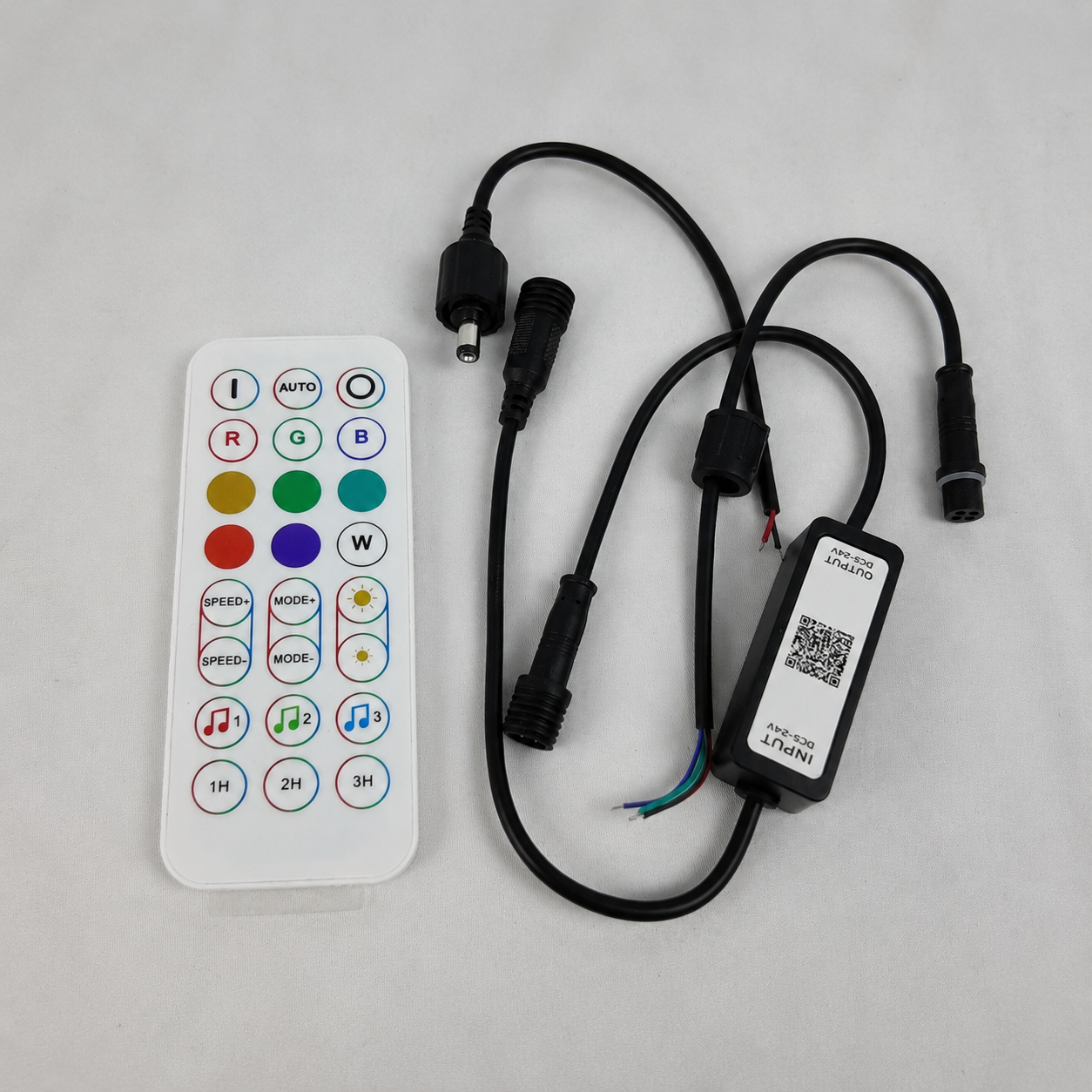

Simple Brightness Control
Adjust single-color LED strips with rotary, inline, wall-mounted or remote dimmer options for everyday lighting control.

Flexible Control for LED Lighting
Control options for LED strip installations, including dimmers, RF remotes, motion sensors, wall panels, and selected Wi-Fi and RGB models.
Filtri
12 prodotti



Explore real customer questions, application ideas and answers from our team.

Automatic light when the closet door area is in use
Answered by LightingWillChoose the control method around how the light is actually used

Simple wireless control vs app and voice features
Controller capacity matters more as the installation gets larger
No discussions in this category yet.

I already had a warm white LED strip along the top of our walk-in closet, but turning it on from a little inline switch every time got annoying pretty quickly.
I added the motion sensor controller instead and it made the whole setup feel much more finished.
Now the strip comes on when I walk in and turns itself off after I leave. I had to move the sensor once because the first position was partly blocked by a shelf, but after that it worked well.
The closet isn’t huge, so I didn’t need anything high power. I’m using it with a normal 12V single-color strip.
Probably one of the smallest changes I’ve made to the closet, but also one of the most useful.
Thanks for sharing the setup.
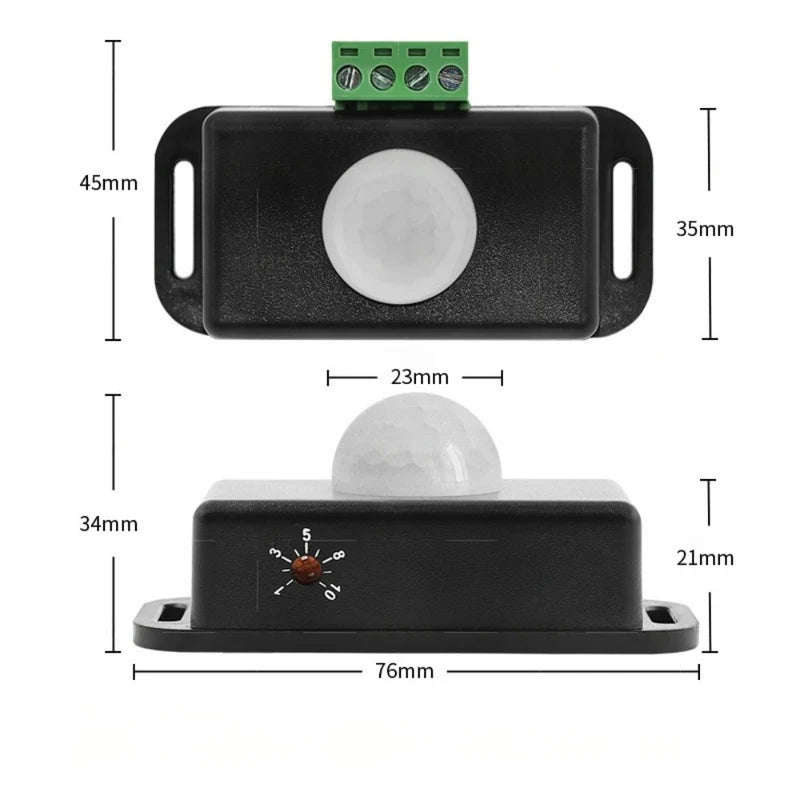
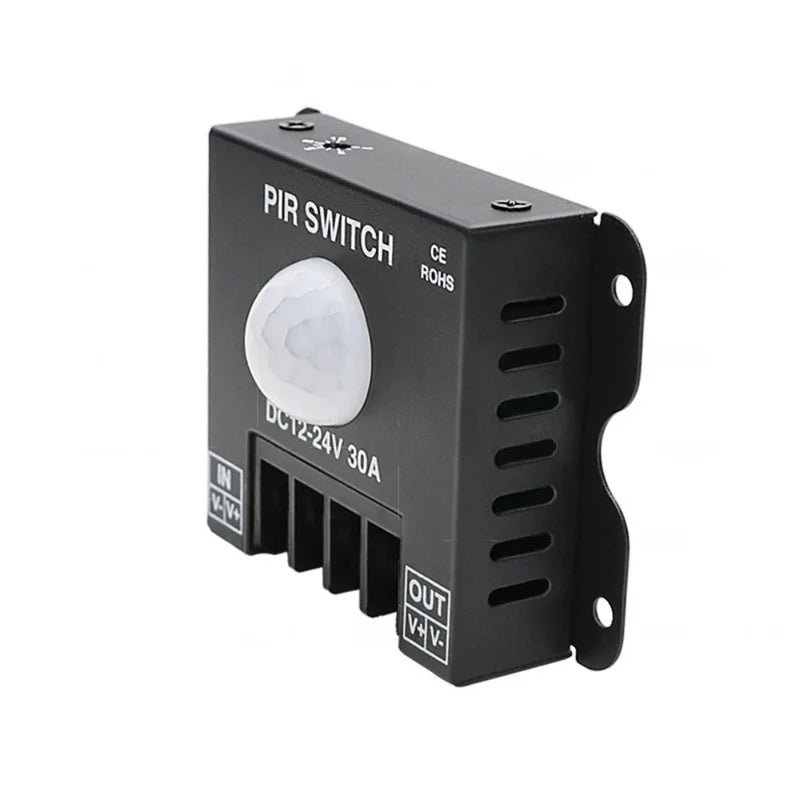
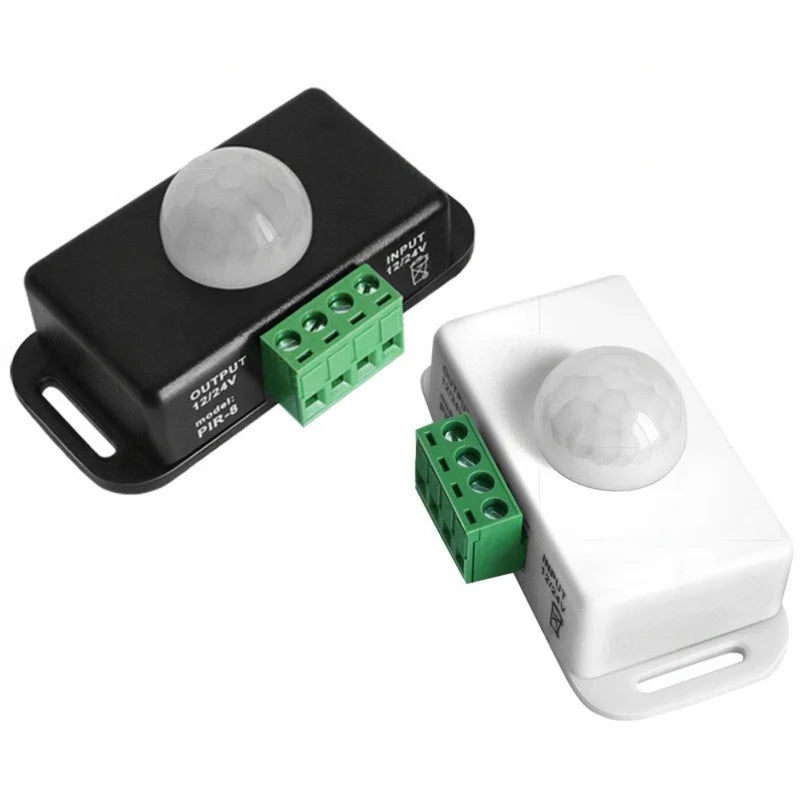
The current PIR Motion Sensor Switch is designed for DC12V–24V single-color LED strips and supports loads up to 6A. It automatically turns the connected strip on and off when motion is detected.
The sensor has a listed detection angle of up to 120°, approximately 3–5m detection range, and an adjustable delay of roughly 30 seconds to 2 minutes, depending on the installation. Keeping the sensor clear of shelves, doors and other obstructions helps improve detection.
LED strip controllers can look like interchangeable accessories, but the right choice depends on the strip type, voltage, connected load and how you want to control the lighting.
Here’s a simple way to separate the current options.
For basic single-color LED strips, choose the control method based on the installation:
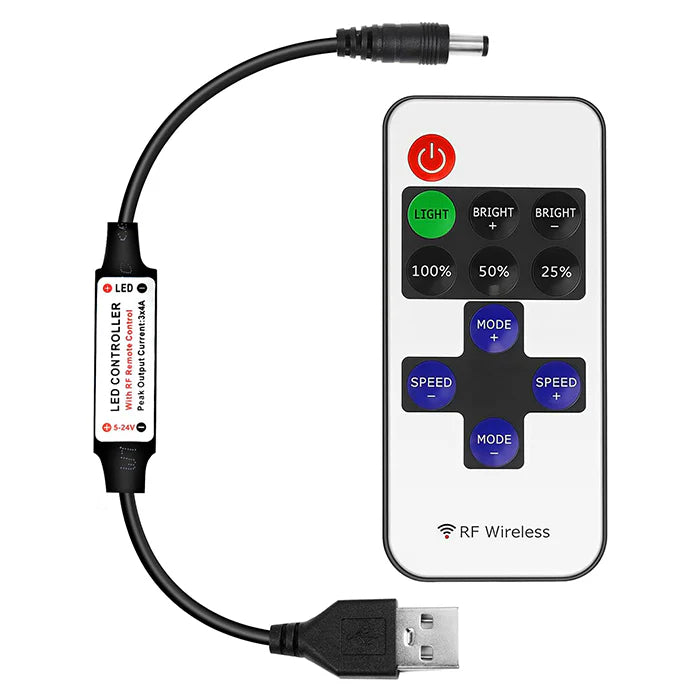
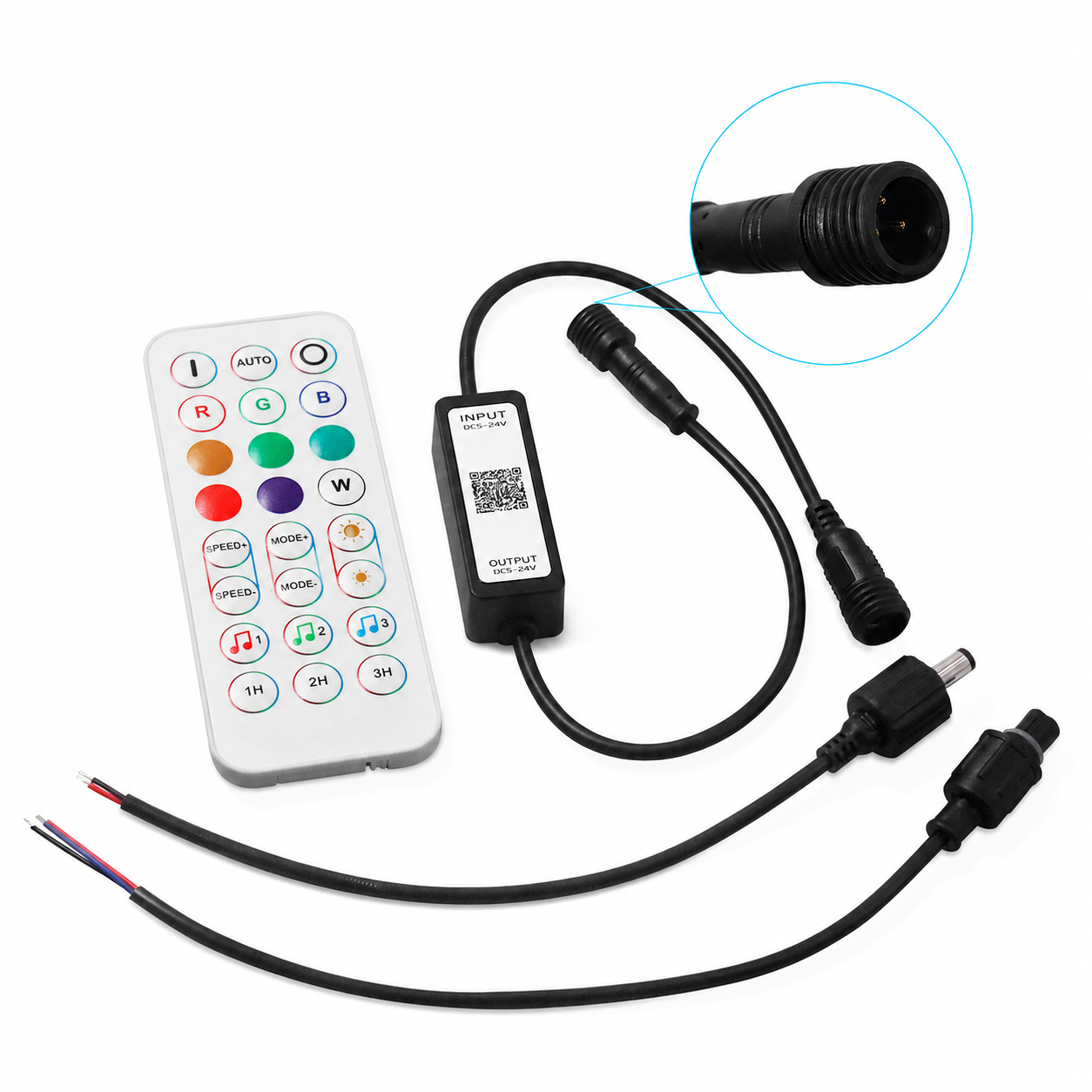
RF Remote Dimmer
Useful when you want wireless brightness control without relying on WiFi.
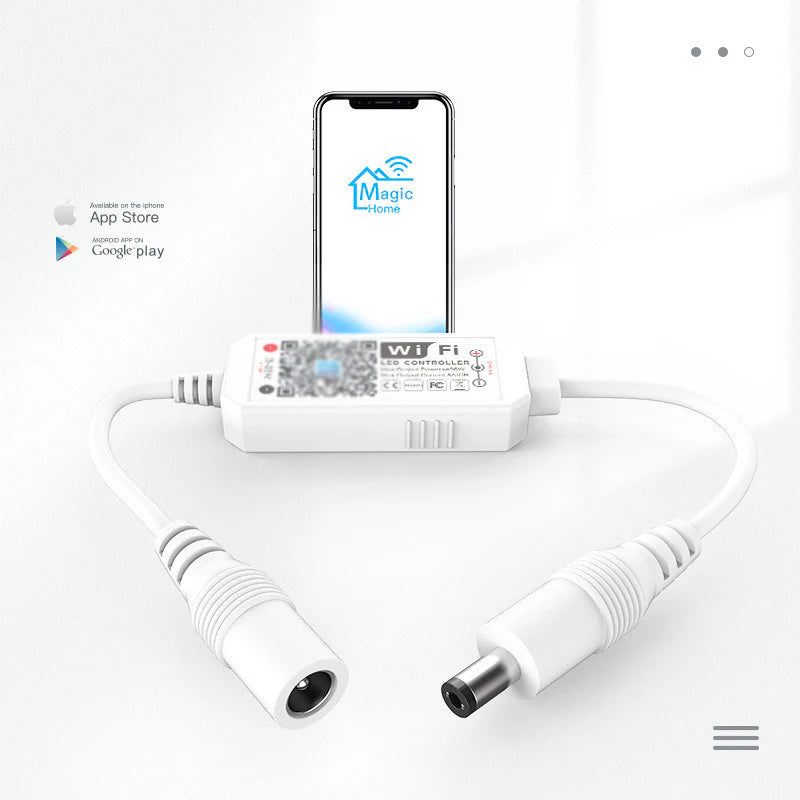
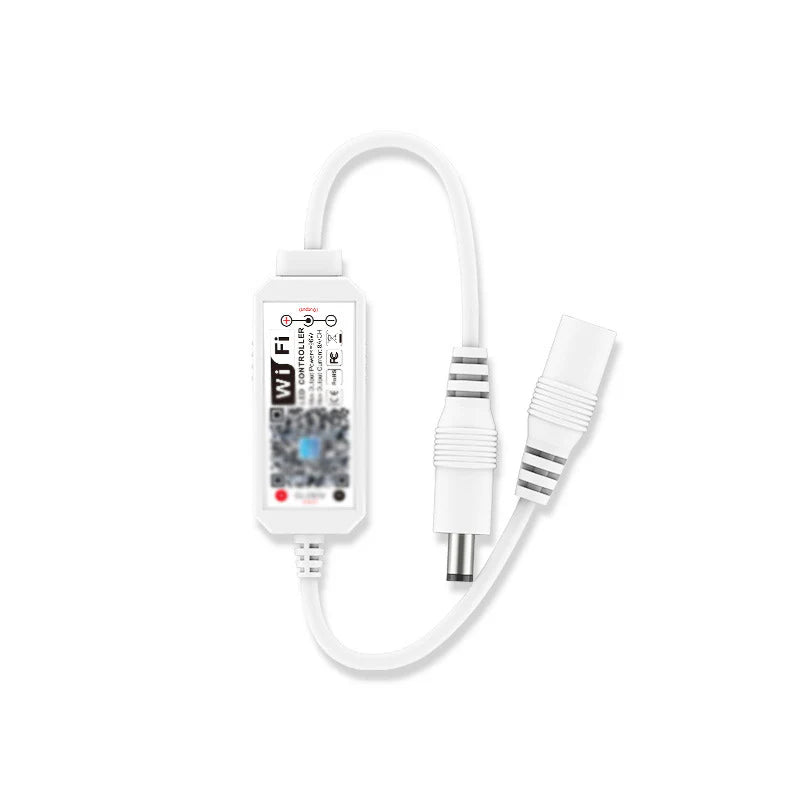
WiFi Dimmer
Supports smartphone app control, scheduling, Alexa and Google Home. The current model works with DC5V–24V single-color strips and supports up to 8A.
PIR Motion Sensor
Best for closets, cabinets, hallways, stairs and storage areas where automatic on/off control is more useful than a remote. The 6A version supports DC12V–24V.
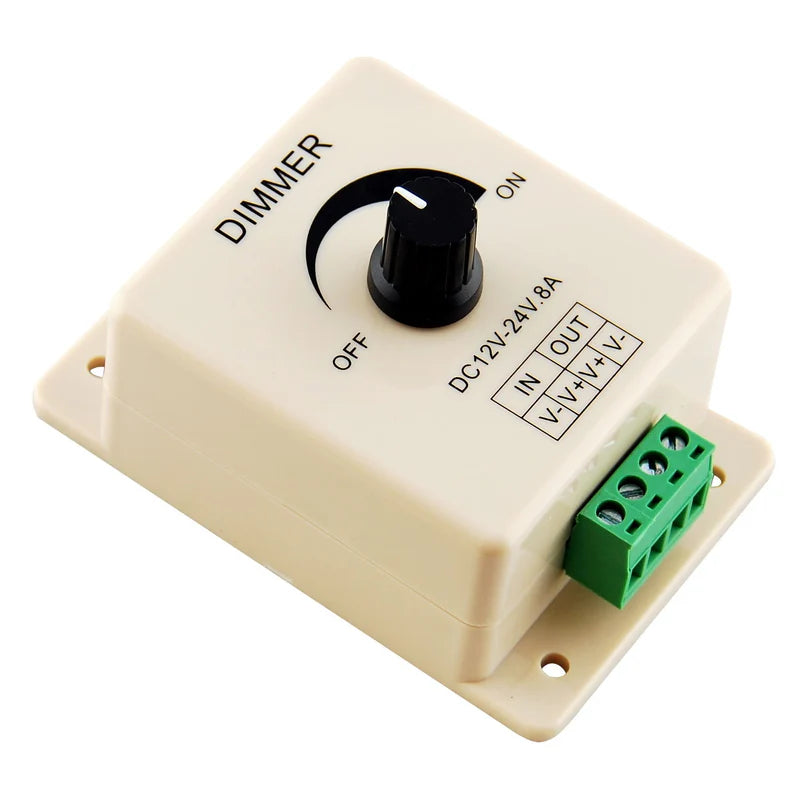
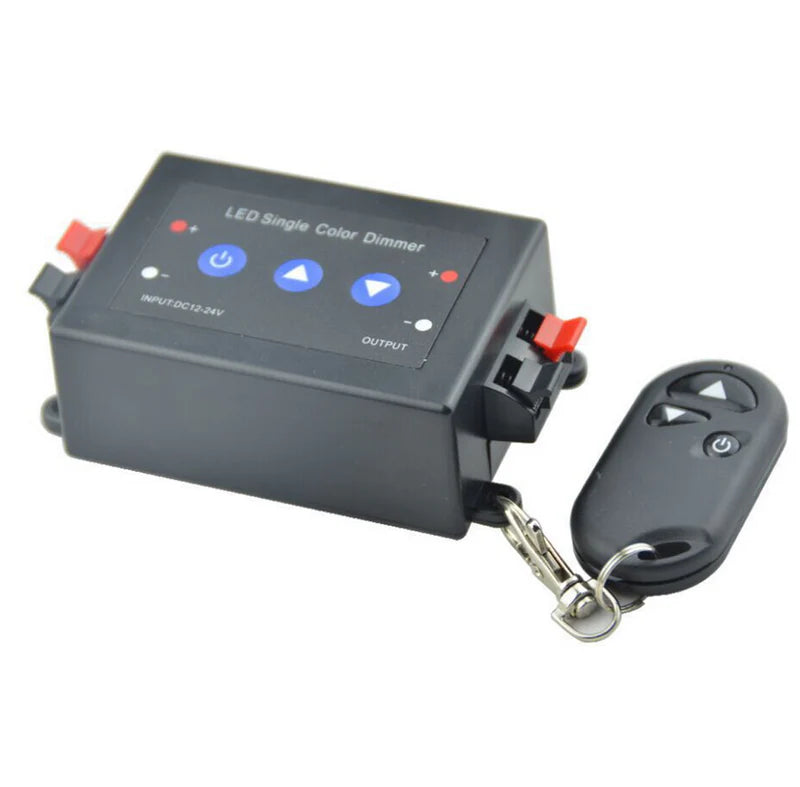
Rotary / Inline Dimmer
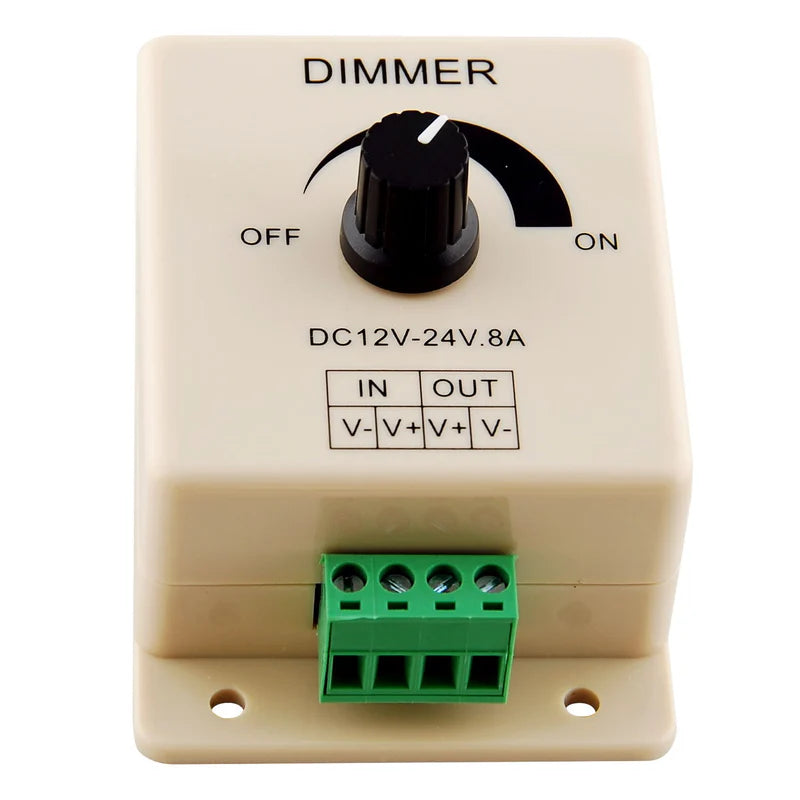
Good for simple local brightness control without apps or remotes.
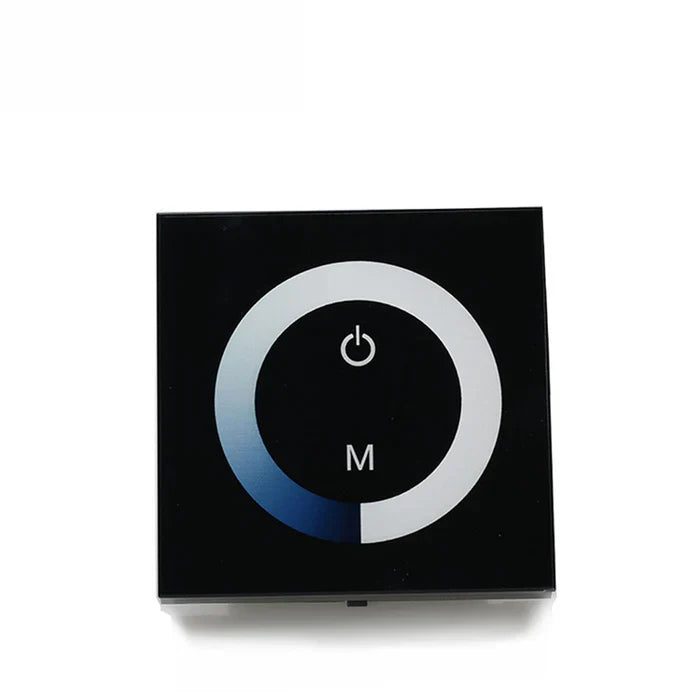
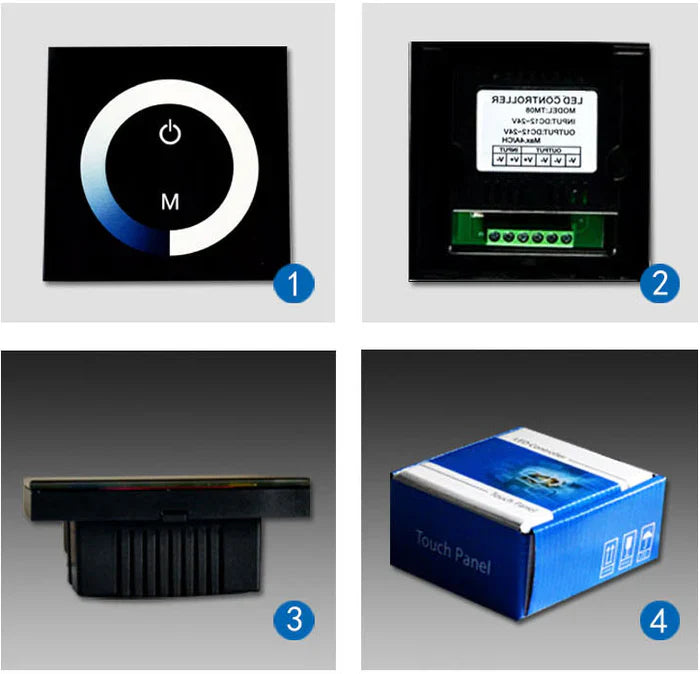
Wall Touch Panel
Designed for a more permanent wall-mounted control point. The TM06 model supports DC12V–24V, up to 12A.
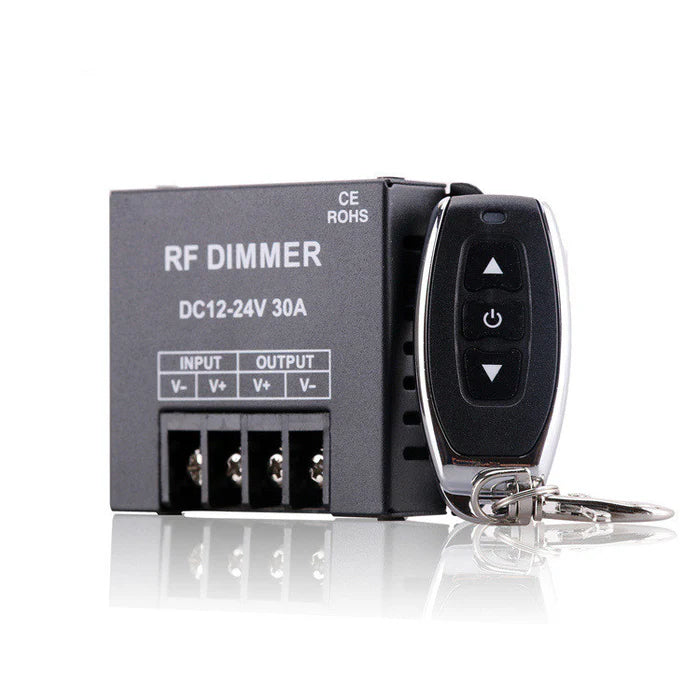
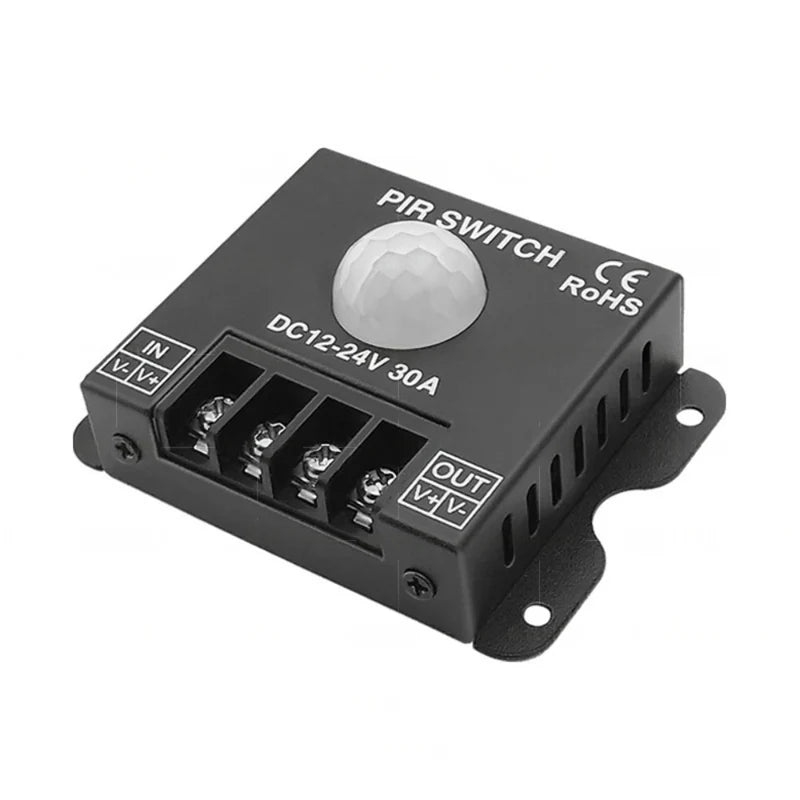
High-Power RF Controller
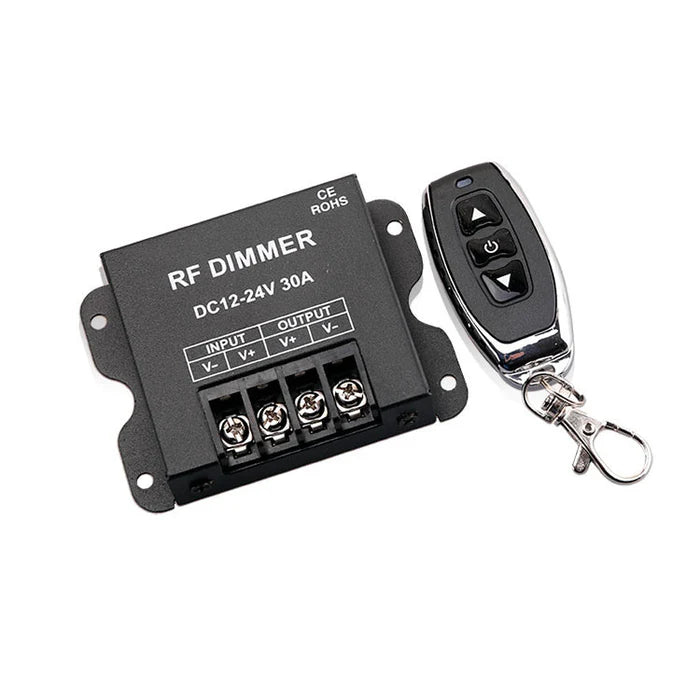
For larger single-color installations. The current 30A model supports up to 360W at 12V or 720W at 24V.
The collection currently contains 12 controller and dimmer products, including single-color and RGB control options.
I’m adding warm white LED strips under the kitchen cabinets and I’m deciding between the RF remote dimmer and the WiFi controller.
I don’t really need fancy color effects since the strip is single color.
The WiFi version sounds convenient, but I’m wondering if it’s unnecessary for a light that I’ll mostly turn on while I’m already standing in the kitchen.
Is there any advantage to RF besides being simpler?
For a straightforward under-cabinet setup, RF is often the simpler option if you only need wireless brightness control.
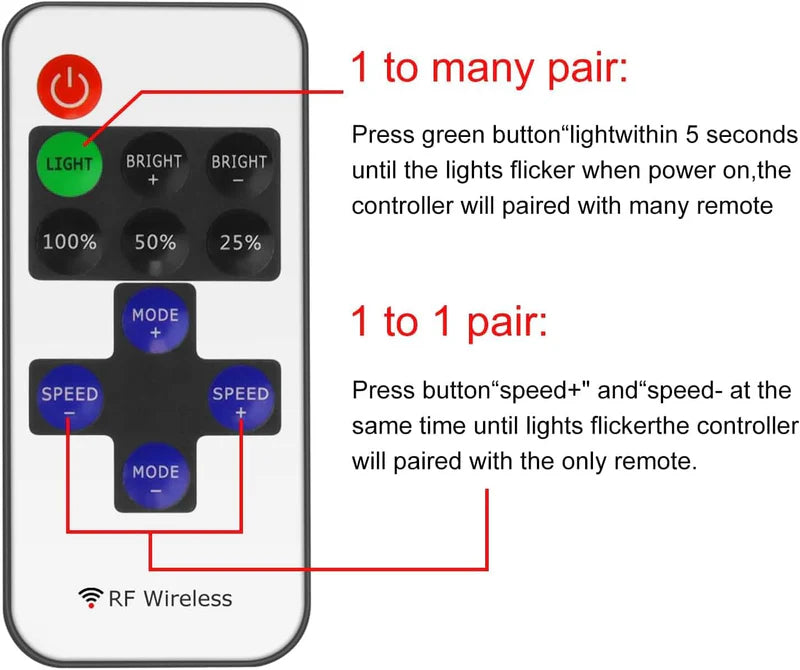
The RF controller works without a home network and the current DC5V–24V model uses an 11-key RF remote, supports up to 6A, and provides multiple brightness and speed levels.
The WiFi dimmer makes more sense if you want:
The current WiFi model supports DC5V–24V, up to 8A, and requires 2.4GHz WiFi.
If app and voice control are not important, RF keeps the setup simpler.
I’m planning a fairly long 24V warm white strip installation around a large room.
I already have one of the smaller RF dimmers, but after adding up the strip wattage I’m starting to think the load may be too high for it.
Is that what the 30A controller is for, or is 30A mainly intended for commercial installations?
The 30A controller is designed for higher-load single-color LED-strip installations, whether residential or commercial.
The current model supports:
The key is not the physical length of the strip by itself. Calculate the total connected wattage/current and compare it with the controller rating.
If your existing controller’s rated load is comfortably above the actual system load, you do not need the 30A version just because the run is long.

Fresh Designs. Seamless Lighting.
Meet our latest LED aluminum channel additions, designed to bring a clean, modern finish to your lighting projects.
DISCOVER NOW
Great lighting, special pricing.
Discover this period's featured lighting offers.
Check the applicable products and promotion details before ordering.


